
Audit reports (.docx)
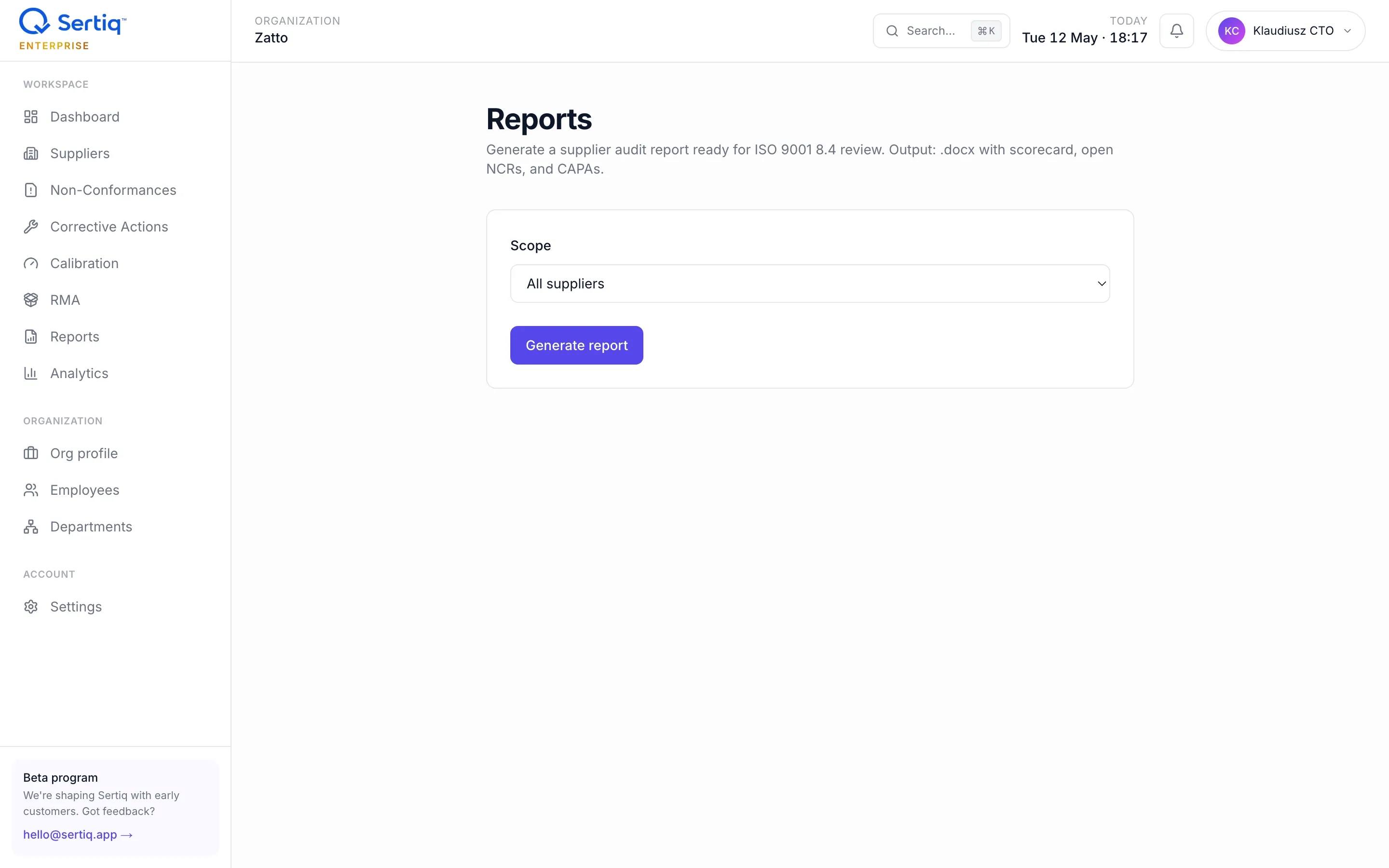
The Reports module generates a supplier audit report ready for ISO 9001 8.4 review. Output is a .docx (Starter+) or PDF where applicable, formatted for an audit folder.
What’s in the report
Section titled “What’s in the report”Per supplier covered:
- Identity — name, category, country, primary contact, supplier ID.
- Risk band and quality score — current value plus 12-month trend.
- Evaluation history — every finalised evaluation with date, total score, dimension breakdown.
- Open NCRs — title, number, severity, ISO clause, raised date, description, containment action (if critical), response due date.
- Closed NCRs in the selected window — same fields plus closure date.
- CAPAs linked to those NCRs — title, owner, status, due date, effectiveness rating if verified.
- Clause references — every NCR is tagged with its 8.4 sub-clause; the report groups them so an auditor sees the 8.4.1 / 8.4.2 / 8.4.3 distribution at a glance.
The header pulls your organisation’s name, logo, and registered address from Settings → Organisation profile. The footer carries the report generation timestamp and the generating user’s email — auditors expect a traceable artefact.
| Scope | When to use |
|---|---|
| All suppliers | Quarterly review, ISO surveillance audit, management review. One file covering every active supplier. |
| Single supplier | Supplier business review, on-site audit prep, SCAR escalation. |
Pick from the dropdown at the top of the page. Single-supplier reports are also available as a button on the supplier detail page (shortcut).
Window selection
Section titled “Window selection”Choose Last 30 days, Last 90 days, or Last 12 months for closed-record inclusion. Open NCRs and CAPAs are always included regardless of window — the auditor wants to know what’s open today.
Format
Section titled “Format”.docx— primary output, editable in Word / LibreOffice if you need to annotate before filing. Starter+ plans.- PDF — generated alongside
.docxfor record-keeping. Enterprise plan.
The styling is brand-consistent with the rest of Sertiq: Roboto family, Sertiq logo header, tables with the same colour palette as the app. Page numbers and TOC are included on .docx (Word generates them on first open).
Per-record exports
Section titled “Per-record exports”Some artefacts auditors ask for are not the full supplier report — they’re a single record:
| Record | Format | Where |
|---|---|---|
| NCR detail | .docx and .pdf | NCR detail page → Export |
| CAPA detail | .docx | CAPA detail page → Export |
| SCAR (Supplier Corrective Action Request) | .docx (Pro+), .pdf (Enterprise) | NCR detail page → SCAR documents |
| 8D (Eight Disciplines) | .docx | NCR detail page → 8D drawer (Enterprise) |
| RMA | .pdf | RMA detail page → Export |
Generation cost
Section titled “Generation cost”- Free: no AI credits consumed. Generation is template + database read.
- Latency: typically 2–5 seconds for a single supplier; 10–30 seconds for an all-suppliers report on a Pro/Enterprise org with 50+ suppliers.
- Storage: report files are stored in Cloudflare R2 under
{org_id}/reports/for 12 months. After that they are pruned — regenerate at any time, the source data stays in Postgres.
Edge cases
Section titled “Edge cases”Empty supplier. A supplier with no NCRs, CAPAs, or evaluations still produces a valid report — just a one-page identity sheet. Useful for confirming a new supplier was onboarded.
Long descriptions.
NCR descriptions can run to thousands of characters. The report renders them in full — page break logic is automatic. If you regularly attach photos, consider exporting the NCR .docx separately (it bundles attachment thumbnails).
Translations. Reports are English-only. Sertiq’s domain language (clause names, severities) is ISO standard English and not localised.
Related
Section titled “Related”- NCRs — primary record on the report.
- CAPA — linked corrective actions.
- Suppliers — score and evaluation history.
- ISO 9001 clause 8.4 mapping — what auditors look for.
- Plans & pricing —
.docxis Starter+, PDF is Enterprise.